Microsoft's November update breaks Windows activation and printing
A large November security release
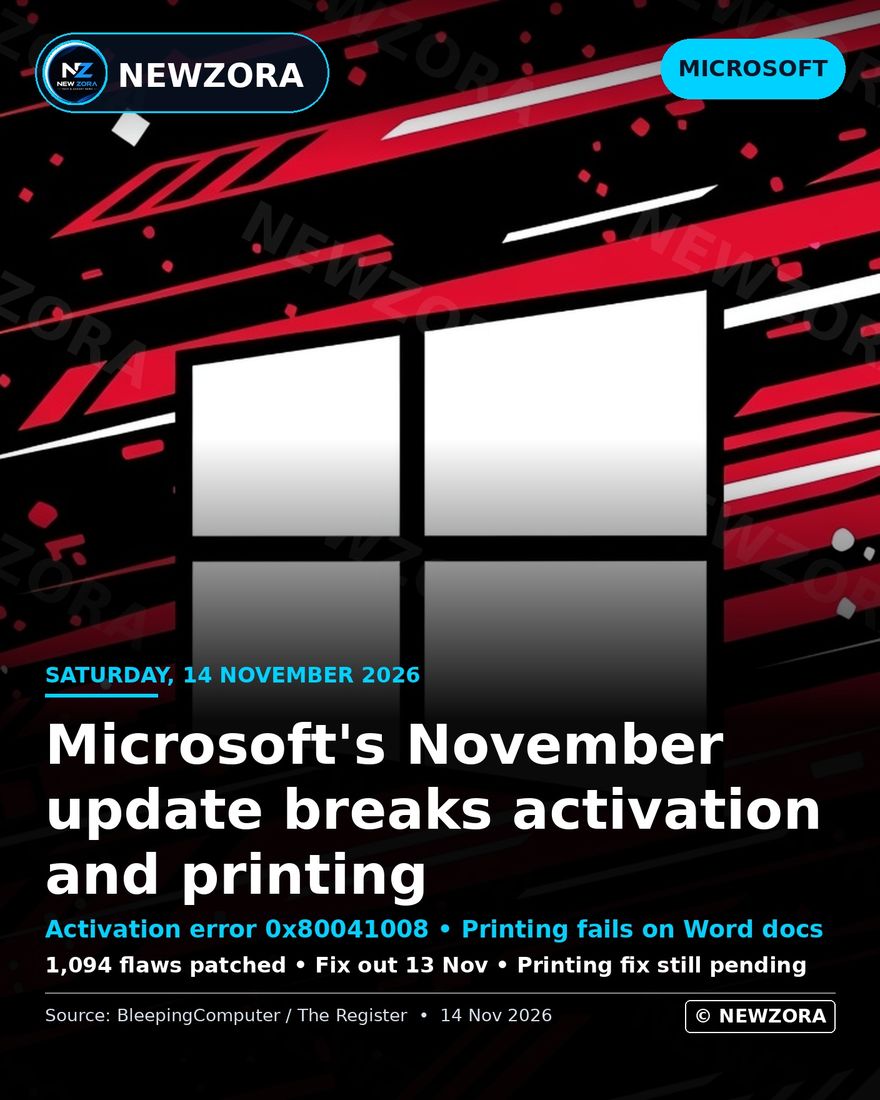
The November 2026 Patch Tuesday update was among the largest security releases Microsoft has issued in a single month. According to reporting by BleepingComputer, the release patched 1,094 flaws, 63 of which were rated Critical. One vulnerability was already under active exploitation at the time of release: CVE-2026-124194, a spoofing flaw in Microsoft Outlook rated CVSS 6.5, which can leak an NTLMv2 hash to a remote attacker. The United States Cybersecurity and Infrastructure Security Agency added the vulnerability to its Known Exploited Vulnerabilities catalogue, with a remediation deadline of 24 November 2026 for federal civilian agencies.
The scale of the release is not itself unusual for Patch Tuesday, but the volume of changes increased the surface area for regressions. Two such regressions were confirmed by Microsoft within three days of release, and each was documented in a separate Windows service alert.## The activation defect
The first defect affects the activation of Windows on devices where activation is automated. According to service alert WI1549486, organisations that activate devices using the Software Licensing Management script, slmgr.vbs, with the /skms-domain or /ipk parameters encountered error 0x80041008 after installing the November update. The failure prevents affected devices from completing activation.
The defect affects Windows 10 versions 21H2 and 22H2, Windows 11 version 23H2 with update KB5131087, and Windows Server 2019, 2022 and 2025. Windows 11 versions 24H2, 25H2 and 26H2, which received the separate November update KB5132061, are not affected by this defect. Devices that were already activated before the update remained activated; the defect concerns new activations and re-activation flows rather than existing licensed installations.
Microsoft acknowledged the problem and released a correction quickly. On 13 November 2026, the company published out-of-band updates KB5136493 for Windows 10 and KB5136483 for Windows 11 version 23H2. The out-of-band updates are available through the Microsoft Update Catalog only. They are not distributed through Windows Server Update Services or Configuration Manager, which means administrators must obtain and deploy them manually. The correction was issued three days after the original release, reflecting the severity of an activation failure in managed environments.
The printing defect
The second defect affects printing. According to service alert WI1549472, printing fails for documents that contain images rendered with zero height or zero width at the selected resolution. The failure occurs most commonly in Microsoft Word, where printing relies on the Windows Graphics Device Interface, but Microsoft has stated that other applications may also be affected.
The defect affects Windows 10 and later client versions, as well as Windows Server 2016 and later. Unlike the activation defect, no fix has been released. Microsoft has confirmed that it is investigating the problem, and no date for a correction has been announced. The absence of a timeline leaves administrators with limited options: documents affected by the defect cannot be printed until a fix is issued, and workarounds depend on the specific application and document structure involved.
The printing defect is notable because it affects a basic function of the operating system. Printing failures in Word, one of the most widely used business applications, can interrupt routine document workflows in offices that depend on physical output. The defect's scope suggests that the underlying change was in a shared component rather than a version-specific one.
A third problem for some Windows 11 devices
A third issue was reported in connection with the November update, although it affects a narrower set of devices. Some Windows 11 systems that had installed the October preview update KB5127936 failed to install the November update, returning errors 0x80070306, 0x800f0989 or 0x800f0993. According to reporting by The Register on 12 November 2026, Microsoft began an automatic repair for affected devices on 11 November at 10:00 Pacific Time, with the repair rolling out over 24 to 48 hours.
Background and context
Patch Tuesday is Microsoft's monthly release cycle for security updates, and it is the primary mechanism through which fixes reach the majority of Windows installations. The cycle is predictable by design: administrators plan maintenance windows around the second Tuesday of each month. The predictability of the cycle, however, also concentrates risk. A single monthly release can contain hundreds of fixes, and a defect in any one of them can reach a large installed base simultaneously.
The November 2026 release illustrates that trade-off. The update addressed a substantial number of vulnerabilities, including one already under exploitation, which made prompt installation important. At the same time, the activation and printing defects meant that prompt installation carried its own costs, particularly in managed environments where activation is automated and printing is a daily operation.
The activation defect also highlights the distinction between consumer and enterprise impact. Individual users with devices that were already activated were unlikely to notice the problem. Organisations that provision new devices or rebuild systems, by contrast, depend on automated activation and were directly affected. The out-of-band fix was therefore targeted at the environments most exposed to the defect.
Why it matters
The incident matters for three reasons. First, it demonstrates that even a routine security update can introduce functional regressions that affect core operating system behaviour. Activation and printing are not peripheral features; they are fundamental to the operation of Windows in business environments. Second, the divergence between the two defects is instructive. The activation defect was fixed within three days through an out-of-band release, while the printing defect remains unresolved with no announced timeline. Third, the episode reinforces the importance of staged deployment. Organisations that test updates on a subset of devices before wider rollout can identify defects of this kind before they affect the entire estate.
What happens next
For the activation defect, the immediate step for affected organisations is to obtain KB5136493 or KB5136483 from the Microsoft Update Catalog and deploy them to affected devices. Administrators should note that these updates are not available through WSUS or Configuration Manager, and that manual distribution is therefore required.
For the printing defect, there is no equivalent action. Affected users must wait for Microsoft to issue a correction, and the company has not indicated when that correction will arrive.
The automatic repair for the Windows 11 installation failure should complete its rollout within 48 hours of 11 November 2026. Devices that still cannot install the November update after that period may require further investigation, and Microsoft has not yet published additional guidance for those cases.
Source: BleepingComputer, 13 November 2026; Digital Trends, 13 November 2026; WindowsReport, 14 November 2026; The Register, 12 November 2026.